 " id="k8-modal-content" alt="modal">
Exercises overview
Exercise 1: Customer form
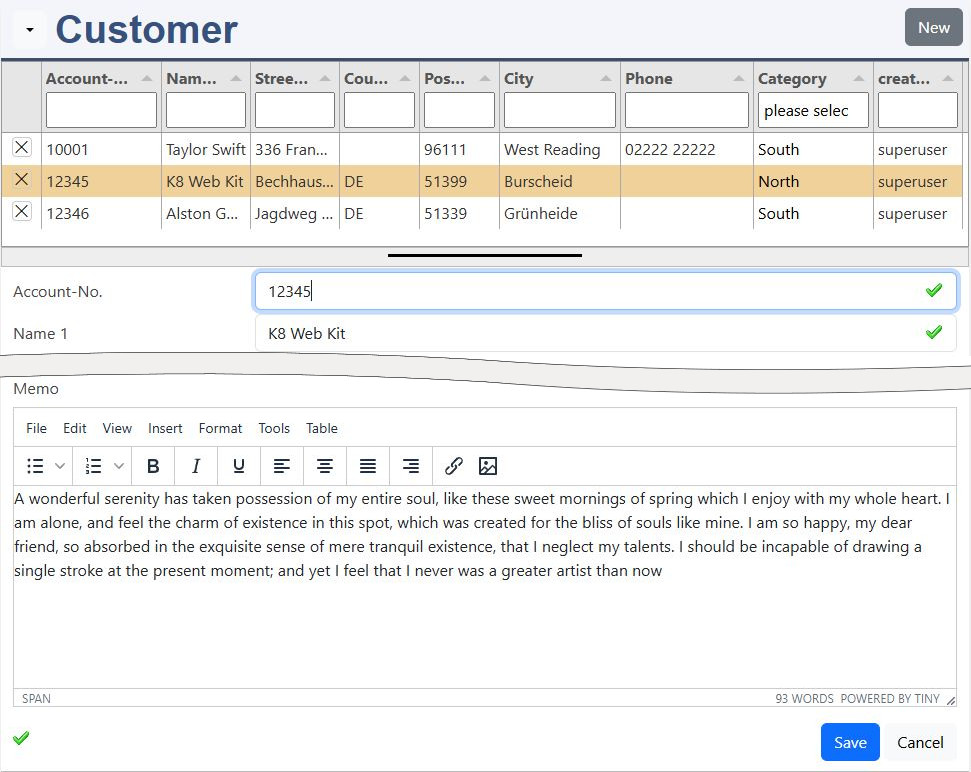
In the first exercise you will learn how to create a customer table and a master data form:
- create your customer table
- create the master data form
- add an editor: tinymce
- add the image upload
Start customer form
Exercise 2: Customer catalog + detail
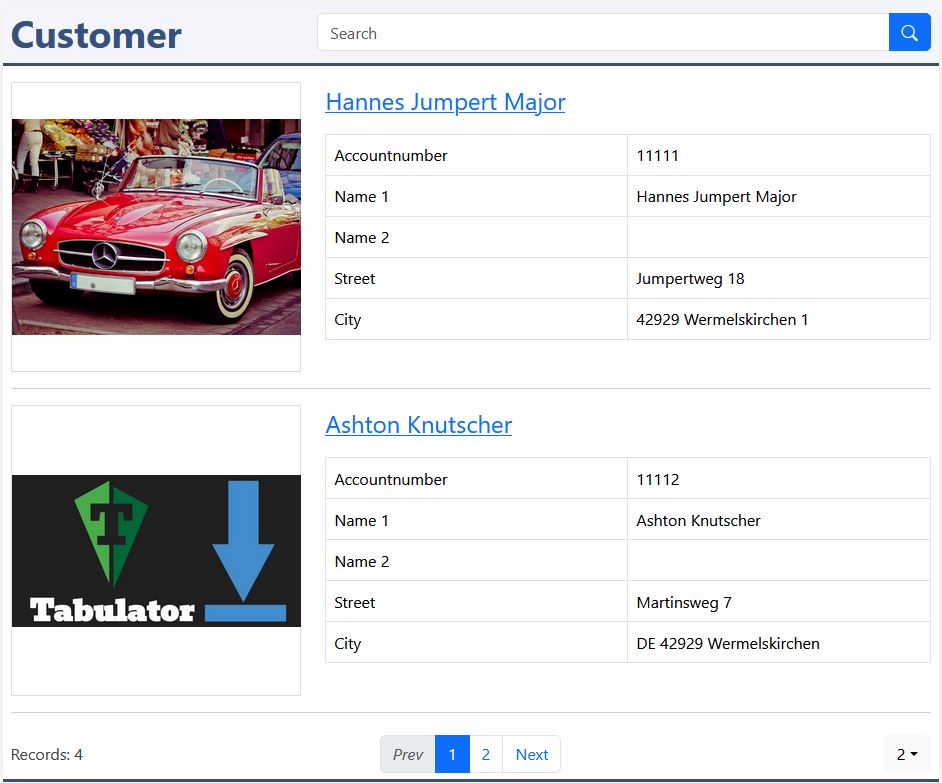
Here you will learn how to create a customer catalog and a detail page:
- create a customer catalog
- create a detail page
- add hyperlinks with JavaSript
Start customer catalog
Exercise 3: Customer favorits (dependent table)
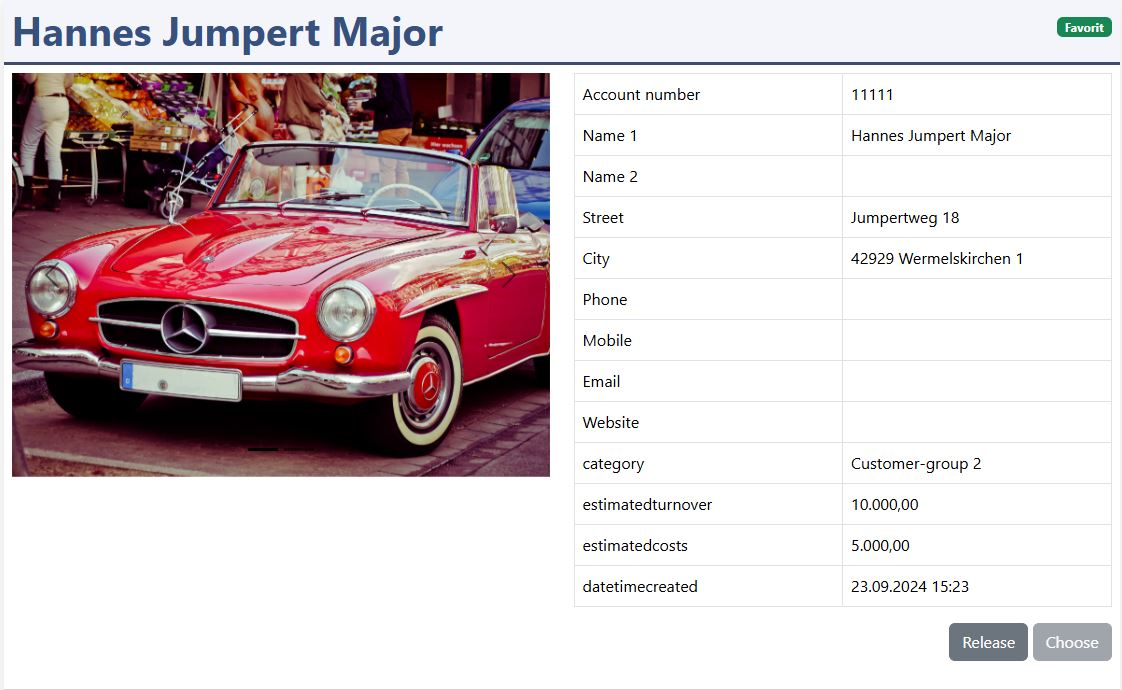
Join and manage an additional table to the customers to store personal favorits:
- create favorite table
- choose and release the favorites
- display favorites in catalaog and detail
- filter favorites in master data
Here you learn how easy it is to handle data tables with JavaSript.
Start customer favorits
Exercise 4: Customer employee (add elements)
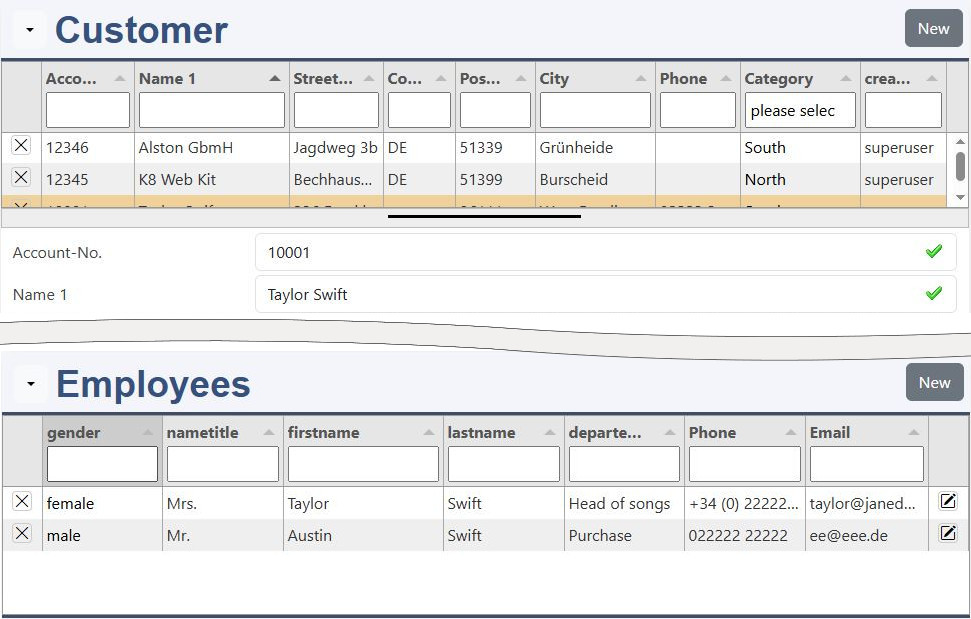
In this exercise you create an employee form and add it to the customers master data form:
- create an employee table
- create an employee master data form
- add the employees to the customer page
Start employees
Exercise 5: Customer charts
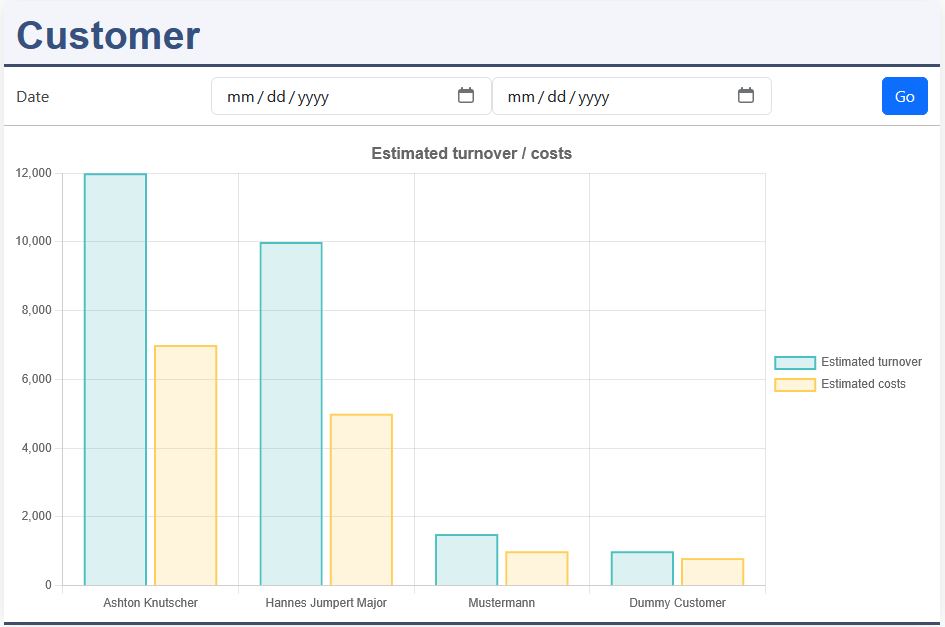
Make with chartjs and a filter form reports about your data:
- call a chart from the customer table
- optimize the chart with easy settings
- use chartjs to optimize the layout
Start customer chartjs
Exercise 6: Activities for customers
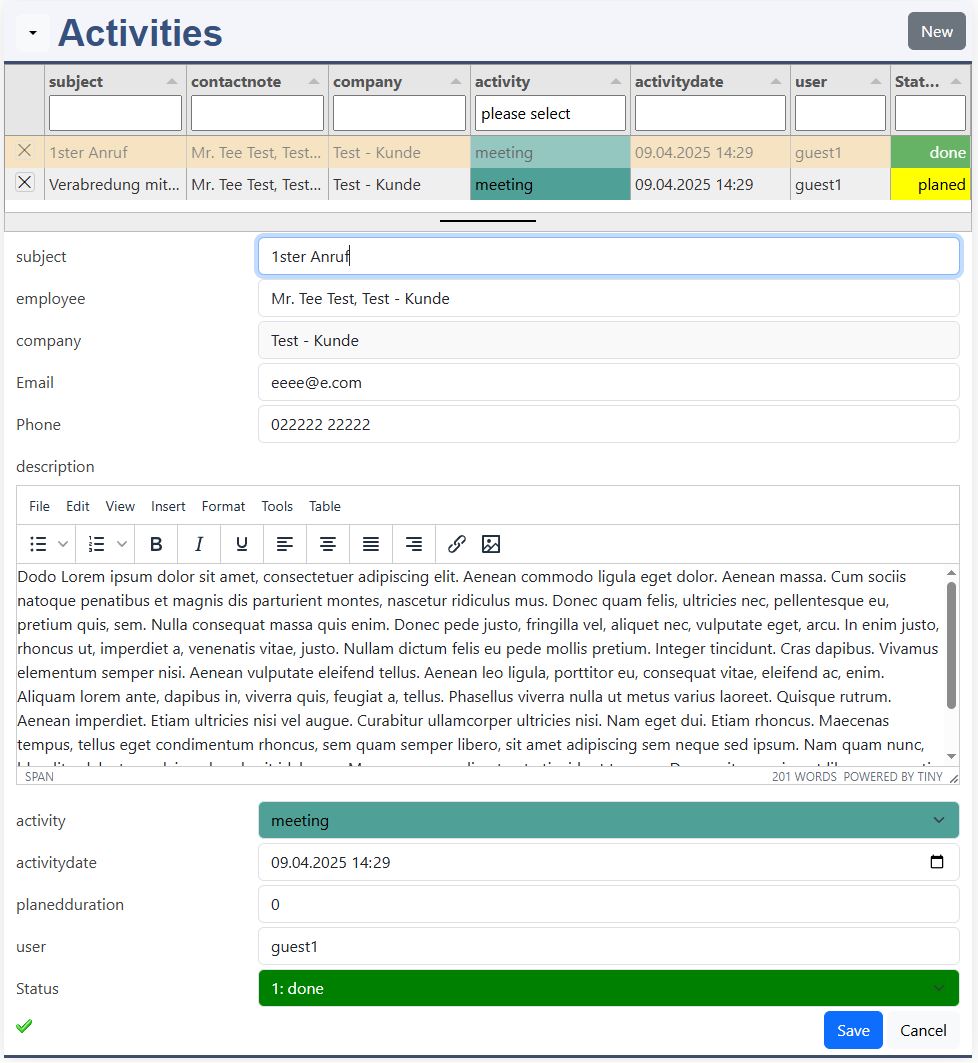
Develope an activity log for different activities for future customers. Use easy form interaction with foreign tables:
- create the activity table
- create the activity form
- insert form interactions with
- with employees
- with customers
- with group defintions
Start activities
7: Basics and debugging (only course)

Where do you get help for the basic developement subjects?
Learn more about:
- MySQL
- PHP
- JSON
- HTML
- CSS
- JavaScript
Learn debugging with your browser.
8: Own project, what can be realised? (only course)
Do you have some project ideas? Let's discuss it with the team:
- discuss of your project idea
- how can it be realized?
9: Working on the projects (only course)

Work in your developement environement or online at your project:
- realize your project
- get help from team and teacher
10: Presentation of the projects (only course)

present your project in 10 minutes:
- the goal of your project
- show how you realized it
- summary and highlights of your project