 " id="k8-modal-content" alt="modal">
Customer catalog
Goal
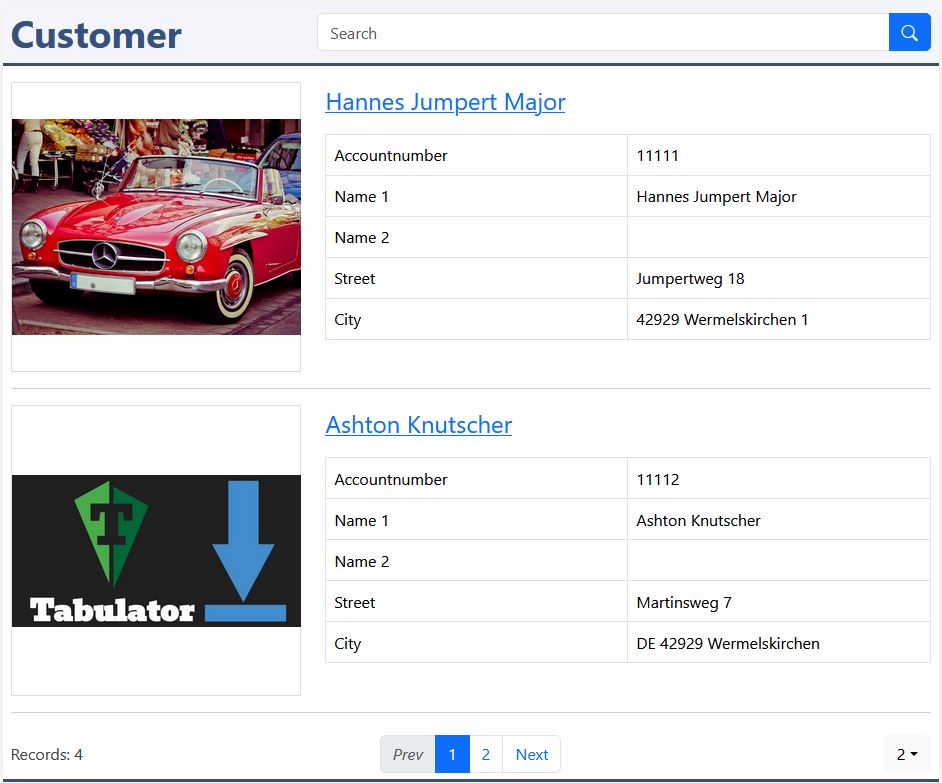
Develope a customer catalog and a detail page.
You need to create 2 elements:
- catalog with the standard template
- detail page with the carousel template
Thanks to templates it's easy to generate this elements with "create datadefID". The placeholders can be adapted fast.
Support is available by discord: K8 Web Kit
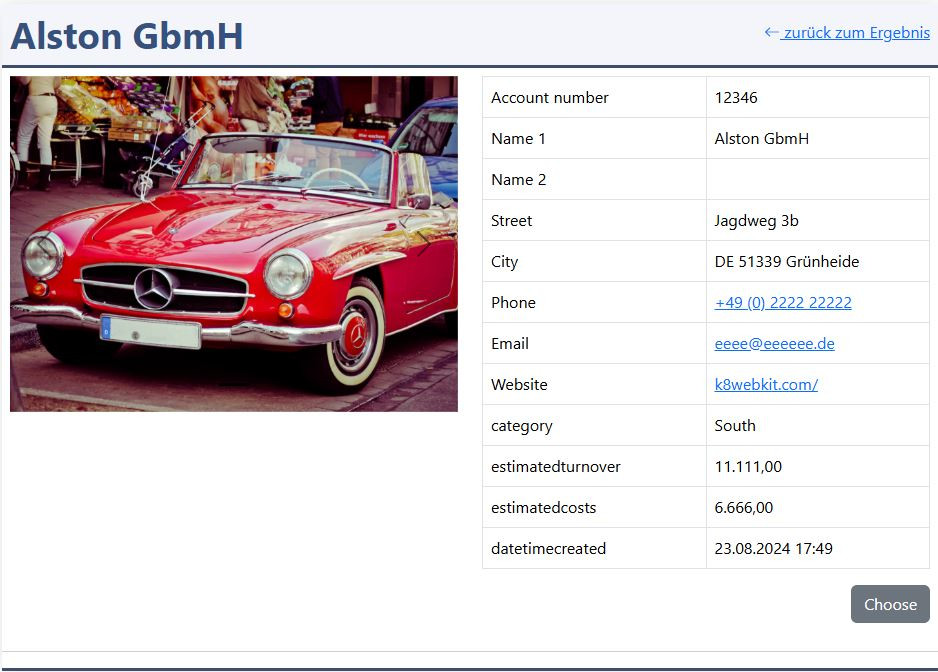
This is the default for the detail page.
You adapt:
- the layout
- insert links for:
- phone
- website
The links allows the user open the website, open the email client or to start a phone call.
Prerequisites
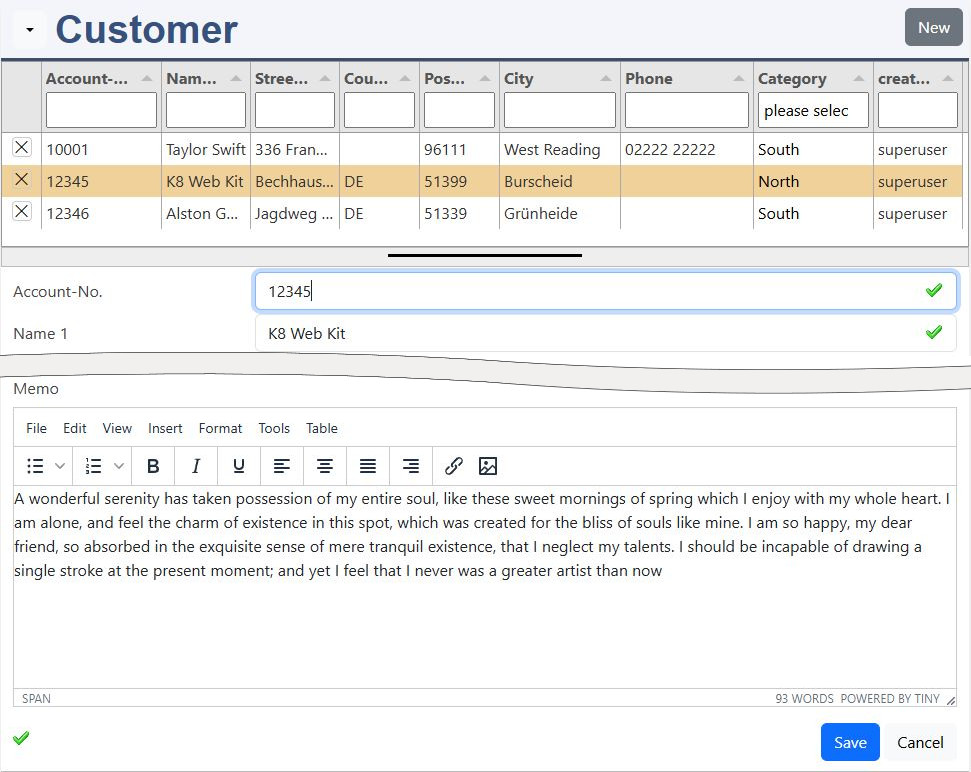
Your customer form from the first exercise:
Instructions for Elements online
Extend the customer datadefinition
Choose your datadefID from the first exercise and edit:
- catalog template: catalog
- detail template: detail carousel
Save
Attention, it's not saved by a red box at the window bottom line! Only by the green "saved" message, you can continue.
Create datadefID
K8 Web Kit creates the html-files:
- catlog_container.html
- catlog_record.html
- detail_container.html
- detail_record.html
Please have a look to the documentation of elements online.
You need to be registerted and logged in. Open "elements online" in your environement "Admin / elements online".
The catalog
excustomer_catalog_record.html:
Folder: Choose and edit the file:
- <your customer datadefID>_catalog_record.html
In the HTML table are all columns from the database table. In the HTML table a row starts with <tr> and ends with </tr>. Each row contains 2 cells (td). In the left cell is the label, in the right cell the placeholder for the table column is in double brackets:
- <tr><td>name1</td><td>{{name1}}</td></tr>
Change:
- City -> {{country}} {{code}} {{city}}
Please remove this rows:
- clientID
- code
- city
- fax
- firstcontact
- representativeID
- memo
- phone
- Mobile
- Website
- descriptionlong
- categoryID
Change the labels. After changes are done save it!
The detail
excustomer_detail_record.html:
Folder: Choose and edit the file:
- <your customer datadefID>_detail_record.html
Please remove this rows:
- clientID
- fax
- representativeID
- memo
- datetimecreated
Change the rows
- City -> {{country}} {{code}} {{city}}
- phone
- Mobile
- Website
- {{categoryID}} -> {{categoryIDtext}}
Change in the bottom:
- {{descriptionlong}} -> {{memo}}
Change the labels. After changes are done save it!
carousel
This property is automatically added in the datadefintion, section masterdata:
- "detail-carousel":true
JavaScript for detail
Excerpt from myproject/excusomer/excustomer_head_end.js:
Folder: Choose and edit the file:
- <your customer datadefID>_detail_record.html
Add this lines in the JavaScript file of your customer data definition.
Replace settingsexcustomer2 with:
- settings<your customer datadefID>
JavaScript formats links and text:
- phone
- mobile
- website
Save